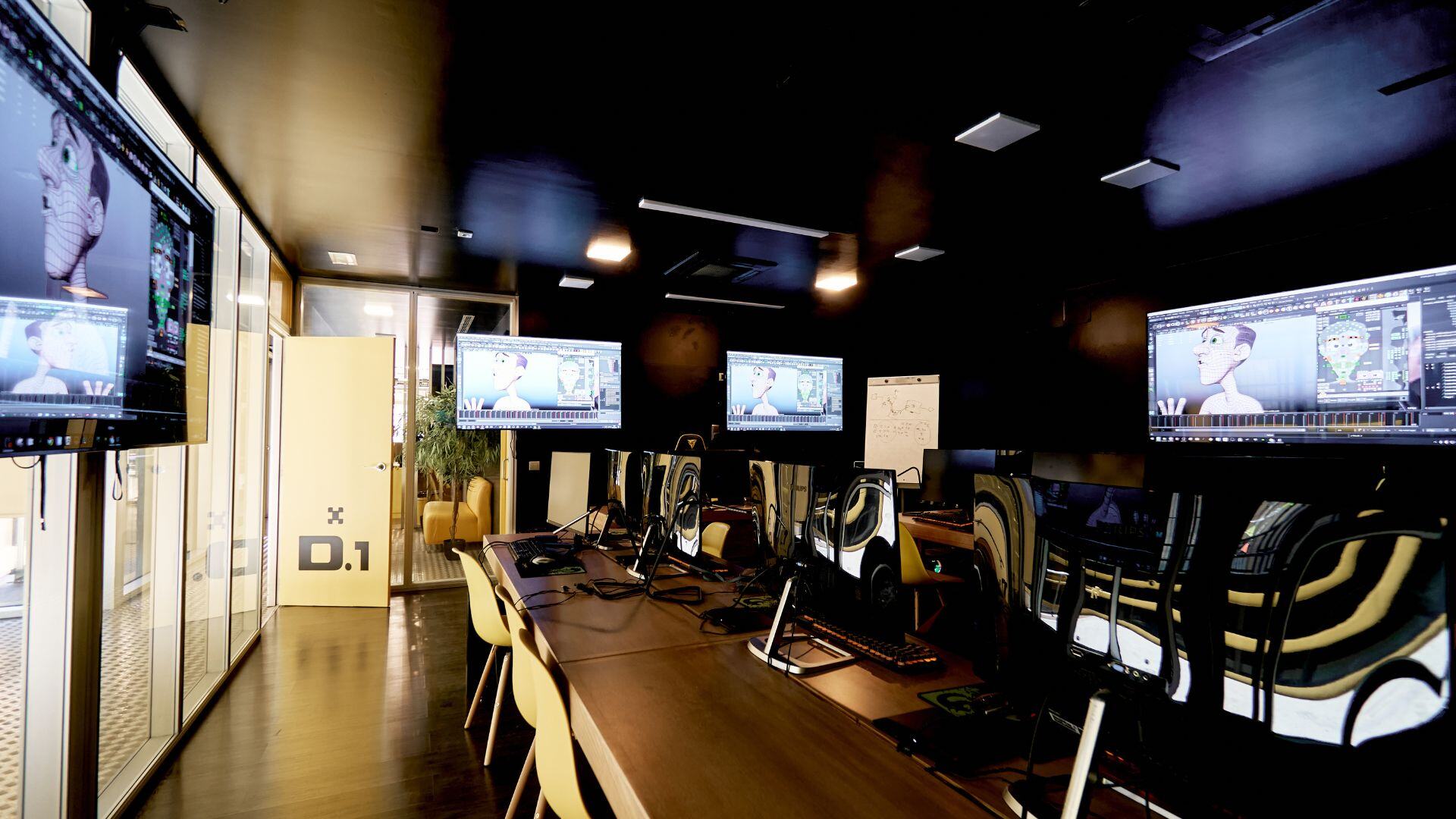
The 12 Principles of Animation: Why They Still Matter in Modern 3D Production
UARTS Editorial Team
The 12 principles of animation are a set of guidelines for making movement clear, convincing and expressive. They were described by animators Frank Thomas and Ollie Johnston in their 1981 book The Illusion of Life: Disney Animation, drawing on practices developed during the history of hand-drawn character animation. Their continuing value is not tied to pencils or any particular software: they help artists decide what the audience should feel, notice and understand when an object or character moves.
Today, a 3D animator may work with a character rig, a digital camera, reference footage and a timeline full of keyframes. Those tools change how images are produced, but not the underlying problem of visual communication. A character still needs readable intention, believable weight and a controlled rhythm. The principles give animators a shared vocabulary for discussing those choices.
The twelve principles, explained with 3D examples
1. Squash and stretch
Squash and stretch communicate flexibility, impact and force. A bouncing ball may compress on contact and extend as it leaves the ground. In 3D, this might be achieved through a deformable rig or carefully designed scale controls. The important point is to preserve an appropriate sense of mass: a rubber ball, an armoured character and a heavy machine should not react identically.
2. Anticipation
Anticipation prepares the audience for a coming action. Before jumping, a character might bend the knees or shift weight; before turning, the gaze may move first. A useful 3D exercise is to animate the action twice, once without preparation and once with it, then compare how clearly the intention reads.
3. Staging
Staging is the organisation of an action so viewers know where to look. Camera position, silhouette, light, pose and surrounding detail affect readability. When a character reaches for an object, the action should not be lost behind a cluttered background or a poorly chosen angle. Strong staging supports the story rather than demanding attention for itself.
4. Straight ahead action and pose to pose
These are two ways of planning motion. Straight ahead action develops frames or poses in sequence, often encouraging spontaneity; pose to pose establishes key storytelling poses first and then builds transitions between them. Most digital animation workflows use some combination of deliberate key poses and exploratory adjustment. There is no requirement to choose one method for every shot.
5. Follow through and overlapping action
Different parts of a body do not always stop or start at the same instant. Loose clothing, hair or a tail may continue moving after the torso comes to rest. Overlap can also help offset the motion of shoulders, hands and head. In 3D, secondary controls and carefully offset keys can communicate weight, but uncontrolled overlap may weaken the main action.
6. Slow in and slow out
Most deliberate movements do not begin and end at maximum speed. Acceleration and deceleration shape the audience's perception of effort and intention. Animators adjust how spacing changes between poses, often using curve editors to refine the transition. Not every action should ease gently: abrupt impacts or mechanical snaps may call for different timing.
7. Arcs
Organic movement often follows curved paths, particularly around joints. A hand moving between two poses may travel through an arc rather than in a rigid straight line. In 3D, motion paths and frame-by-frame inspection help reveal unwanted bumps. Arcs are useful guidelines, but a deliberately mechanical movement can break them when the design requires it.
8. Secondary action
A secondary action adds information to the main performance without replacing it. A character may shift a foot while listening or adjust a sleeve during a pause. The best secondary details support mood, personality or continuity. If they compete with the emotional focus, they have stopped being helpful.
9. Timing
Timing concerns how long an action takes and where its major events occur. The same gesture can feel tired, impatient, careful or joyful depending on its duration and rhythm. In 3D, moving keyframes changes timing; adjusting spacing changes how speed is perceived between them. Both deserve deliberate attention.
10. Exaggeration
Exaggeration increases the clarity of a pose or action. It need not mean broad comedy. A realistic performance may benefit from a slightly stronger weight shift or clearer eye direction so that the intended emotion survives the camera framing. The degree of exaggeration should fit the artistic style and narrative context.
11. Solid drawing
In traditional animation this meant understanding anatomy, volume, balance and perspective well enough to draw forms convincingly. For 3D artists, the corresponding lesson is that a model alone does not guarantee good posing. Strong poses still need coherent weight distribution, readable silhouettes and an awareness of how forms overlap from the camera's perspective.
12. Appeal
Appeal is the ability of a design or performance to hold attention through clarity, interest and personality. It should not be reduced to prettiness or a single body type. A villain, creature or ordinary character can be appealing because the design is distinctive and the performance communicates intent. Appeal emerges from many choices working together.
How to practise the principles without losing focus
Beginners often try to demonstrate all twelve principles in one complicated shot. A better approach is to reduce the task. Start with a bouncing ball to test squash and stretch, timing, spacing and arcs. Next, animate a simple pendulum or object with a flexible attachment to study follow through. Then use a basic character rig for a change of weight, a look and a clear anticipation.
For each exercise, save a reference, identify the main action, block essential poses and review the result at actual playback speed. Watch it without sound. If the meaning is unclear, the problem may involve staging or timing before it involves adding more keyframes.
Feedback is most useful when it refers to an observable decision. “The character feels weightless because the hips do not settle before the step” gives an animator a more actionable direction than “make it more realistic.” These principles help teams discuss motion without relying entirely on vague personal impressions.
How the principles connect to modern production
In 3D workflows, animation principles interact with rigging, layout, lighting, editing and the character's design. A rig may limit an extreme stretch; a camera choice may hide a good anticipatory pose; an edit may shorten a carefully planned pause. Production therefore requires animators to solve movement in context rather than in isolation.
The principles are also not rigid laws. A horror scene may deliberately remove a visible anticipation to make a movement startling. A robotic character may travel along unusually straight paths. The animator's skill is knowing what a conventional movement would communicate and deciding consciously when to depart from it.
UARTS' animation training includes character animation and portfolio-oriented work. For students, the most useful outcome is not memorising twelve names. It is developing the ability to analyse why a shot reads clearly, to improve it through iteration and to explain the result to collaborators.
Further learning: read Adobe's explanation of the principles and explore UARTS character animation training.
Frequently asked questions
Do the 12 principles apply to 3D animation?
Yes. They describe the organisation and communication of movement, whether images are created by drawing, stop motion or digital keyframes.
Which principle should beginners learn first?
Timing and spacing are especially useful starting points; simple bouncing-ball exercises also introduce squash and stretch, arcs and changing speed.
Are the principles rules that must always be followed?
No. They are guidelines. Artists can depart from them deliberately to serve a visual style, a character or a narrative effect.
Do you need advanced software to practise them?
No. The principles can be explored through sketches, simple objects or a basic digital rig before moving to elaborate character shots.
